|
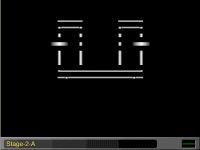
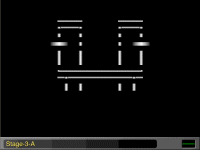
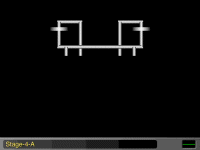
On the previous page, you could see that I have sections A-H. I will be tabling "A" like stackable tables. I will do separate tables, but I will just be stacking them to make the "A" part of the design. I am going to just start my code at the top, left -- just like we read. I will be doing the entire project in stages, that will progress. I will do each section in a different gradcolor, so you can easily see what section is what. A's gradcolor will be WHITE. (The bgcolor will be black in all parts.) My "rows" here will all be the same, meaning the width. All my tables will equal 280 pixels in total across. I noted 320 on my graph, allowing that 20 pixel notation room. I write my code and stack them. I am dealing with rows here. That is why I can do this section A in this way. In the last page for section A, I put all the stacked tables in one big outer table and close that section with a notation in my code. Whenever I work a piece -- and I will repeat this -- I use 2 break tags to separate the tables in one section. In the first 3 table pages, you will see where I use those 2 break tags. Then in the 4th page, I remove those break tags and replace them with the connecting table for section A to be completed. Those double break tags acted as my guide as to where to put the holding table code. [I use 3 break tags when working in sub-sections. Section A does NOT deal with sub-sections. This will become clearer later.] Before I go onto another section, I always check my code for errors. The following images are linked to the actual pages of that imaged table. Below it is the .txt file of the code for those pages, so you can print them for study, if you like.
OK---That finished section A. |